The best MagSafe accessories for iPhone 17 cover six jobs: extra storage, backup power, charging at home, holding the phone in the car, carrying cards and steadying the camera. Before you buy any of them, check two things. Does the charger support 25W Qi2.2, and will the magnet hold through your case?
Here are 10 picks across those six categories, each with the one thing to watch out for.
Quick Picks: The Best MagSafe Accessories First Look
|
Category
|
Pick
|
Best for
|
Price range
|
|
Storage
|
Digiera Endura Ultra Thin MagSafe Portable SSD
|
Shooting ProRes video on iPhone Pro
|
Varies by capacity
|
|
Power bank
|
Digiera Ultra Slim Magnetic Power Bank 5000mAh
|
Thin daily carry
|
See product page
|
|
Charger
|
Apple MagSafe Charger (25W)
|
Fastest wireless charging on iPhone 17
|
$39 to $49
|
|
Charging stand
|
Belkin UltraCharge Pro 3 in 1 Magnetic Charging Dock
|
Nightstand for iPhone, Watch and AirPods
|
$100 to $150
|
|
Car mount
|
iOttie Velox Pro Qi2.2 Car Mount
|
Fast charging on long drives
|
$70 to $100
|
|
Car mount
|
Peak Design Mobile Car Mount
|
A firm, low profile hold
|
$40 to $100
|
|
Wallet
|
Moft Snap On Phone Stand and Wallet
|
Two or three cards plus a stand
|
$25 to $35
|
|
Wallet
|
PopSockets Kick Out Wallet
|
Grip, stand and cards in one
|
$40 to $50
|
|
Camera grip
|
ShiftCam SnapGrip
|
Shooting like a real camera
|
$60 to $80
|
|
Tripod mount
|
Joby GripTight Mount for MagSafe
|
Tripod shots and timelapse
|
$20 to $30
|
Best MagSafe Storage
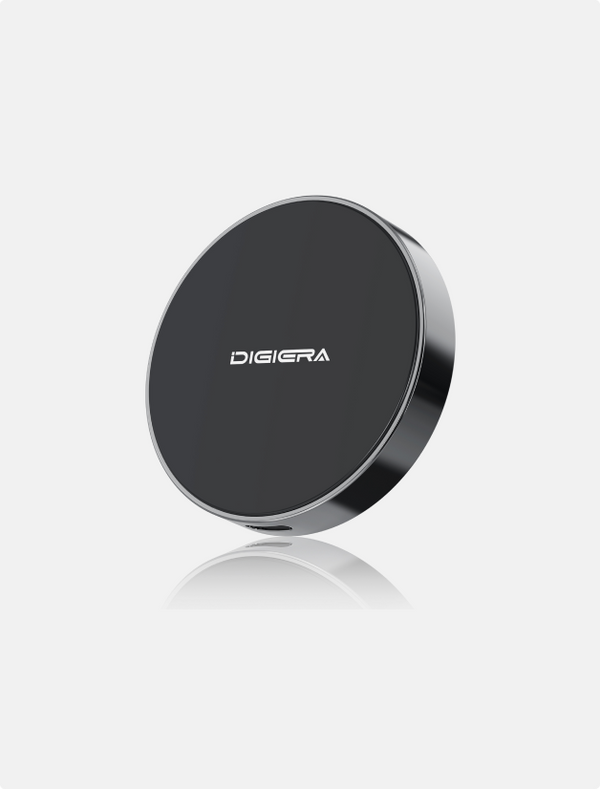
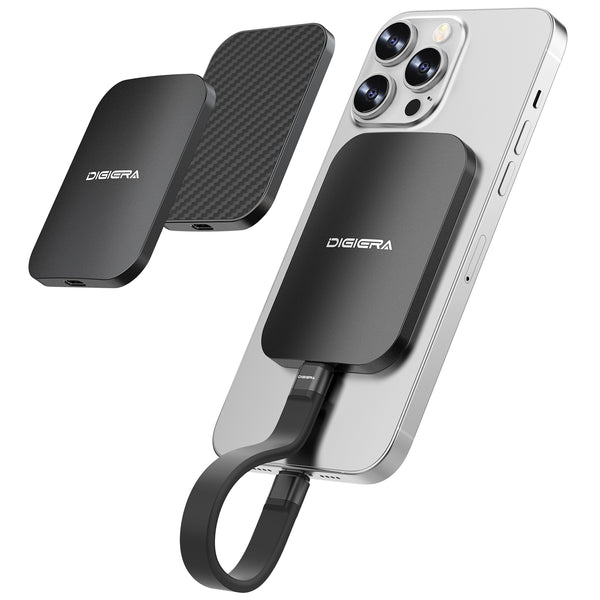
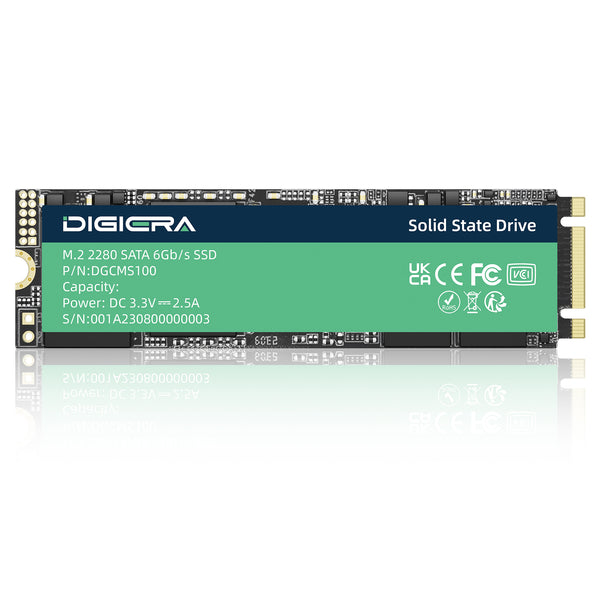
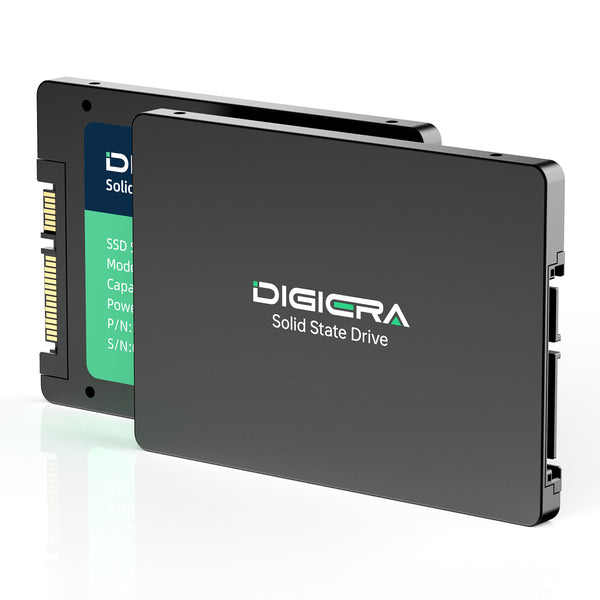
Digiera Endura Ultra Thin MagSafe Portable SSD

Why we picked it: The Digiera Endura Ultra Thin MagSafe Portable SSD attaches to the back of the phone and films video directly to the portable storage device. This is important due to the rapid filling of internal storage with ProRes video.
Who it suits: Pro iPhones that take lots of 4K video, or don’t want to pay for a bigger iCloud subscription plan.
Watch out for: It still needs a short USB C cable to the phone. With a thick case the magnet may not grip firmly, so check how thick your case is first.
Best MagSafe Power Bank
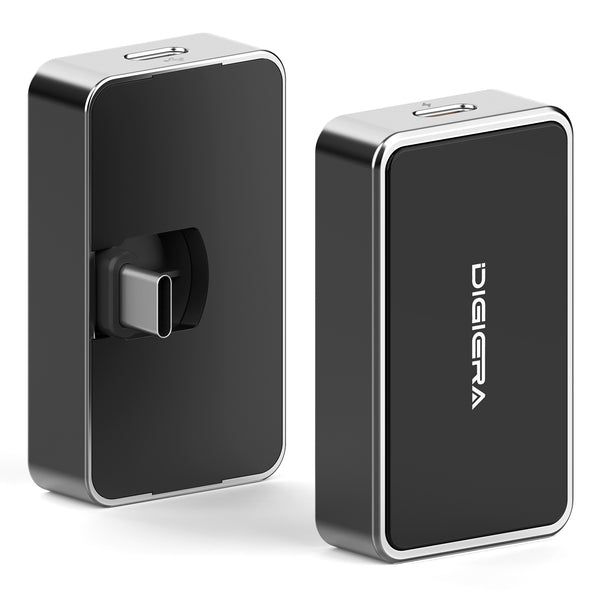
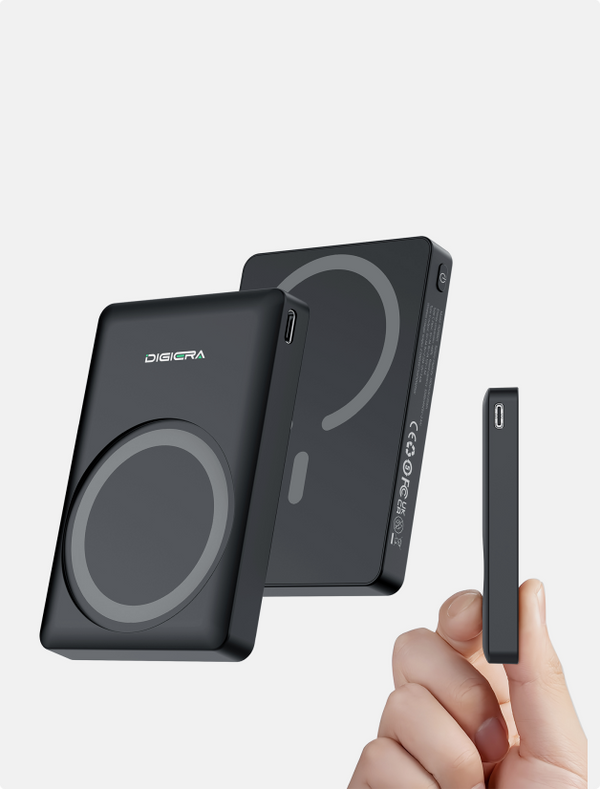
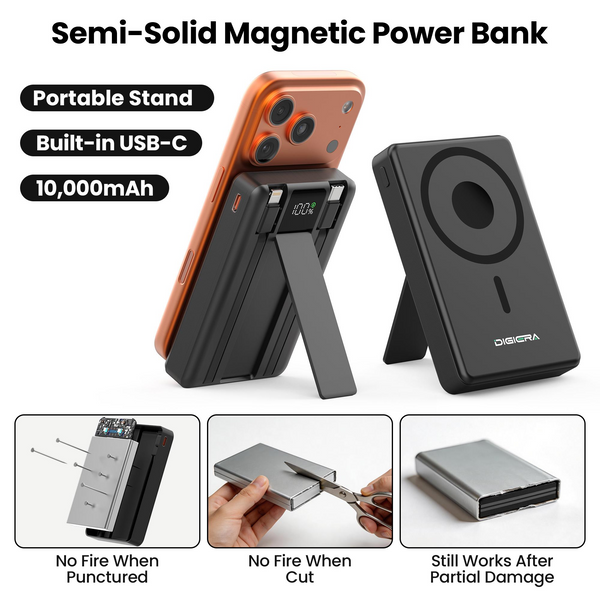
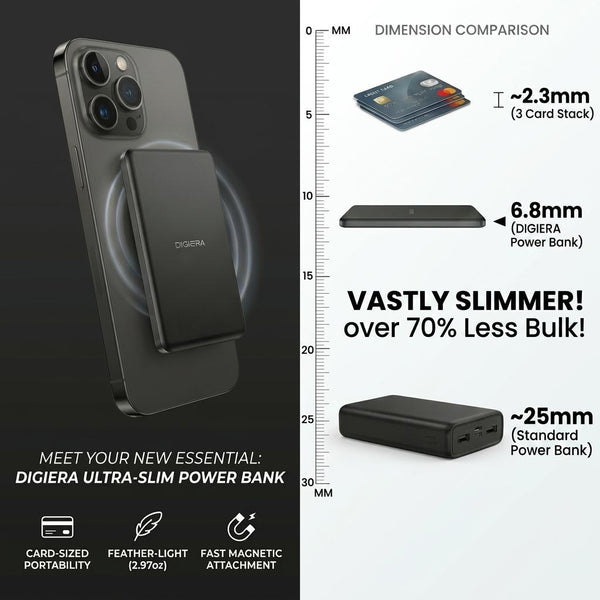
Digiera Ultra Slim Magnetic Power Bank 5000mAh
Why we picked it: The Digiera 5000mAh magnetic power bank has a thin design so it can remain attached to your phone all day. In addition, it also charges AirPods and an Apple Watch.
Who it suits: Ideal for commuters and travelers looking for a midday charge rather than a complete recharge.
Watch out for: Wireless charging dissipates some of the power as heat. 5000mAh battery will not recharge an iPhone 17 Pro Max completely.

Best MagSafe Chargers and Stands
1. Apple MagSafe Charger (25W)
Why we picked it: This is the easiest method for getting the entire 25W charge for iPhone 17. Based on Apple's guidelines regardin regarding their MagSafe charger, 25W charge requires a minimum of 30W of USB C charger.
Who it suits: People who need to charge quickly on a table or beside the bed and do not require a bulky stand.
Watch out for: Adapter will not be included in the box. Charging with an old 20W charger will not give you the fastest speed.
2. Belkin UltraCharge Pro 3 in 1 Magnetic Charging Dock
Why we picked it: It can charge an iPhone up to 25W via Qi2, an Apple Watch and AirPods from one socket at the same time.
Who it suits: For couples or people whose nightstand has too many wires.
Watch out for: Docks get hot while charging and may pause once they reach 80% on iOS while the battery gets too hot.
Best MagSafe Car Mounts
1. iOttie Velox Pro Qi2.2 Car Mount
Why we picked it: It is compatible with Qi2.2 technology and also has a cooling fan which would help during bright and sunny weather when navigating the phone.
Who it suits: Travelers in their cars and people who work as ride-hailing drivers.
Watch out for: The vent clips may droop with a large Pro Max phone that has a wallet attached to it.
2. Peak Design Mobile Car Mount
Why we picked it: It sits low on the dash and holds the phone firmly. The charging version adds wireless power.
Who it suits: Drivers who care more about a solid hold than fast charging.
Watch out for: The grip is strongest with Peak Design's own case or adapter. With other cases you're relying on the magnet alone, which may not hold on rough roads.
Best MagSafe Wallets
1. Moft Snap On Phone Stand and Wallet
Why we picked it: Slim and fits several cards; also unfolds to form a stand for video calls and movies during flights.
Who it suits: People that only have an ID card and a couple more cards.
Watch out for: Remove it when charging. According to Apple, you should not put any cards in between the iPhone and the MagSafe charger because it may damage the magnetic and RFID strips.
2. PopSockets Kick Out Wallet
Why we picked it: It combines a grip, a stand and card storage, and a thumb push pops the cards out.
Who it suits: Anyone who already likes a phone grip and wants to drop the separate wallet.
Watch out for: It's thicker than a slim wallet, so it may catch on tight jeans pockets.
Best MagSafe Camera Grips and Tripods
1. ShiftCam SnapGrip
Why we picked it: It provides a true camera grip and a Bluetooth button shutter along with a built-in small battery.
Who it suits: Photographers capturing streets and traveling photographers using one hand to capture photos.
Watch out for: Make sure that it fits over the large camera bump on iPhone 17 Pro when used in landscape mode.
2. Joby GripTight Mount for MagSafe
Why we picked it: It changes your regular tripod to a MagSafe holder at an economical cost.
Who it suits: People who vlog or those recording timelapse photography and taking group pictures.
Watch out for: In high tripods in landscape mode, the magnet may not hold if you have a heavy phone.
Do MagSafe Accessories Hold Through a Thick Case?

Sometimes but what matters is whether the case has its own magnet ring. If the case comes with an inbuilt ring, it works together with the magnets of the iPhone to provide an almost equal level of retention as that of the iPhone itself. If the case is large or rugged, the accessory gets detached due to its distance from the iPhone.
If you love your case but it has no ring, a stick on magnet ring is a cheap fix.
Heat is the other thing to watch. Charging and recording at once warms the phone, and iOS slows charging when it gets too hot.
|
⚠ Charging and recording at the same time
Per Apple, iPhone 17 charges at up to 25W on a MagSafe charger, but only 16W while a USB C accessory such as an SSD is plugged in. Plan longer shoots around that slower rate.
|
Mixing MagSafe and Qi2 Accessories on iPhone 17
You can mix them freely. Qi2 is an open standard built on Apple's magnet design, so Qi2 chargers, mounts and power banks snap onto an iPhone 17 just like MagSafe ones.
Speed is where they differ. The newer Qi2 25W version, announced by the Wireless Power Consortium in July 2025, matches the 25W of Apple's latest MagSafe charger. Older Qi2 gear still works on iPhone 17, but tops out around 15W, so look for "Qi2 25W" on the box if speed matters.
For ProRes footage and a phone that's always full, browse Digiera's MagSafe storage range.
FAQs
What MagSafe accessories are worth buying?
You can begin with what you'll use daily like a 25W charger or a slim power bank and a car mount. You can add a MagSafe SSD if you shoot a lot of video, or a wallet if you carry few cards.
Do MagSafe accessories work with a case?
Yes, if the case is MagSafe compatible or has a built in magnet ring. But thick cases without a ring weaken the hold, and wallets or mounts can slip off.
Do Qi2 accessories work with iPhone 17?
Yes. Qi2 uses the same magnet layout as MagSafe. iPhone 17 charges at up to 25W on Qi2 25W gear and around 15W on older Qi2 chargers.
Can you charge with a MagSafe wallet attached?
No. you need to remove the wallet first. Apple warns that cards between the iPhone and a MagSafe charger can lose their magnetic strip or RFID data, and the wallet also blocks charging.