
Charge up and off-load footage with a single USB-C cable—no card reader required. A full top-up takes about 90 minutes and fuels up to 70 minutes of nonstop 4K recording, so you stay powered and ready wherever the action happens.
Type-C USB
Transfer Images
70-minute
Video Recording
90 minutes
Fully Charge
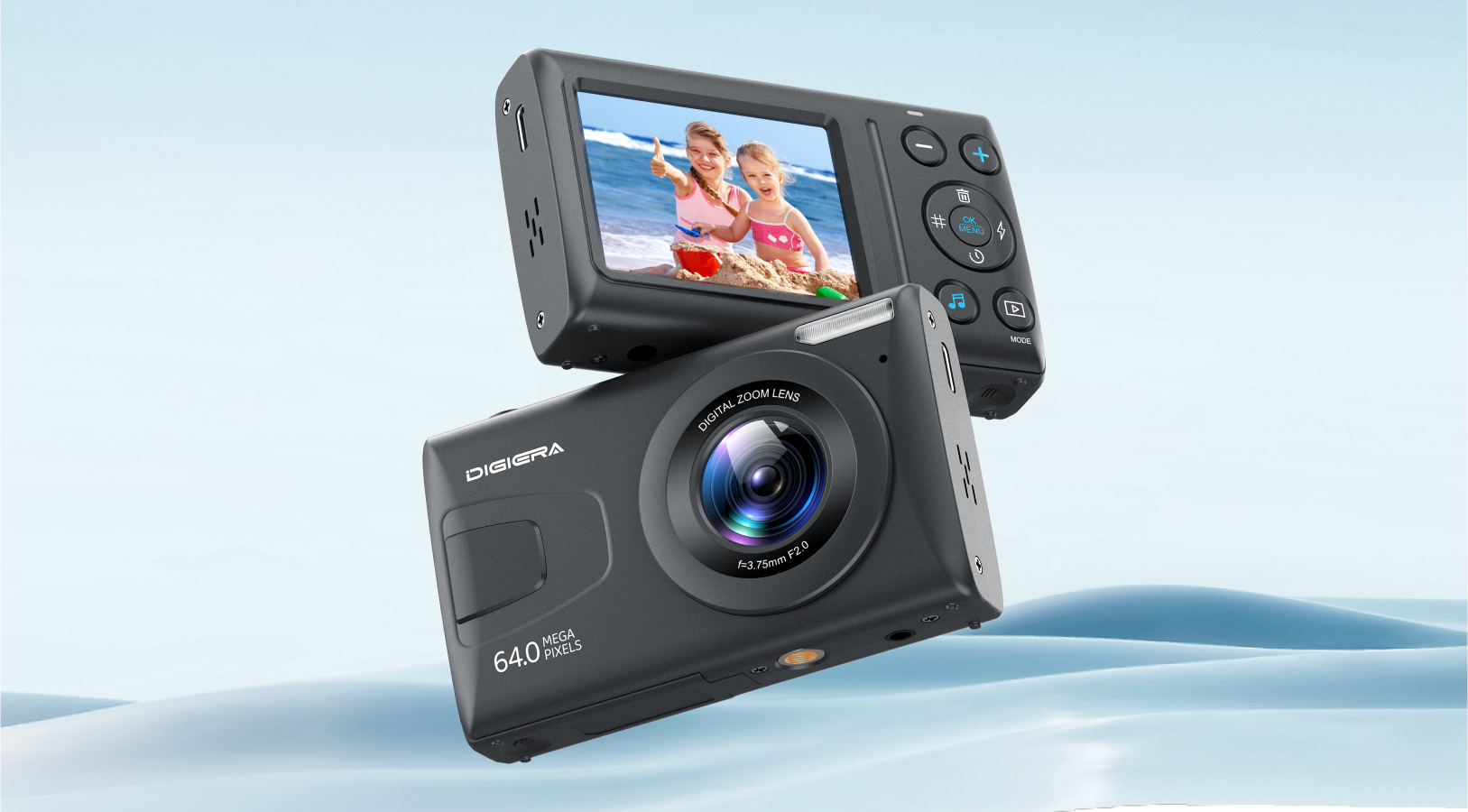
UHD 4K DIGITAL CAMERA
Various Shooting ModesRich
64 Megapixels
Autofocus
Various filter effects
Playback
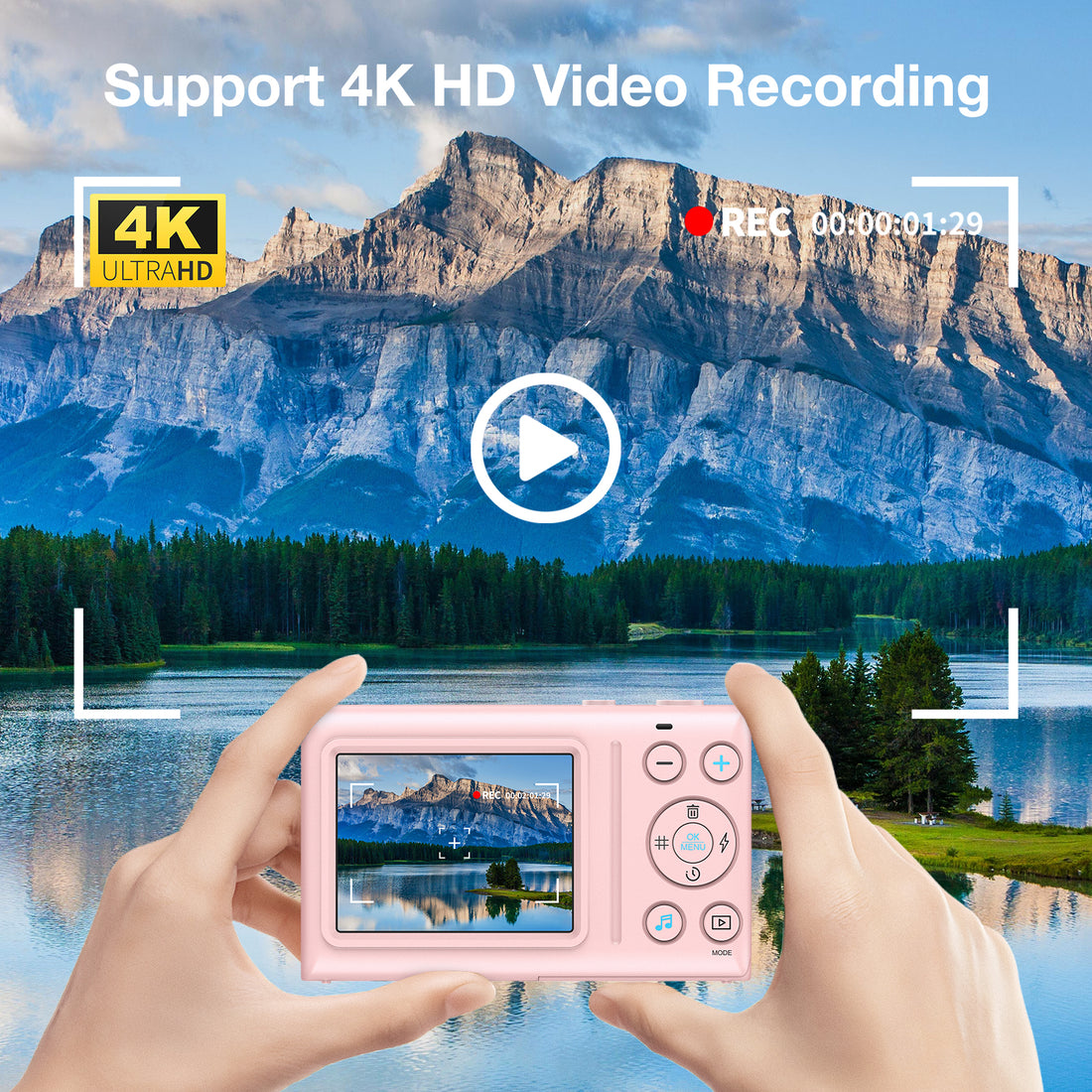
4K HD Video
Continuous Photo
Time-Lapse
Flash Bulb
18X Digital Zoom
MP3/MP4
Type-c Charging & USB Transfer
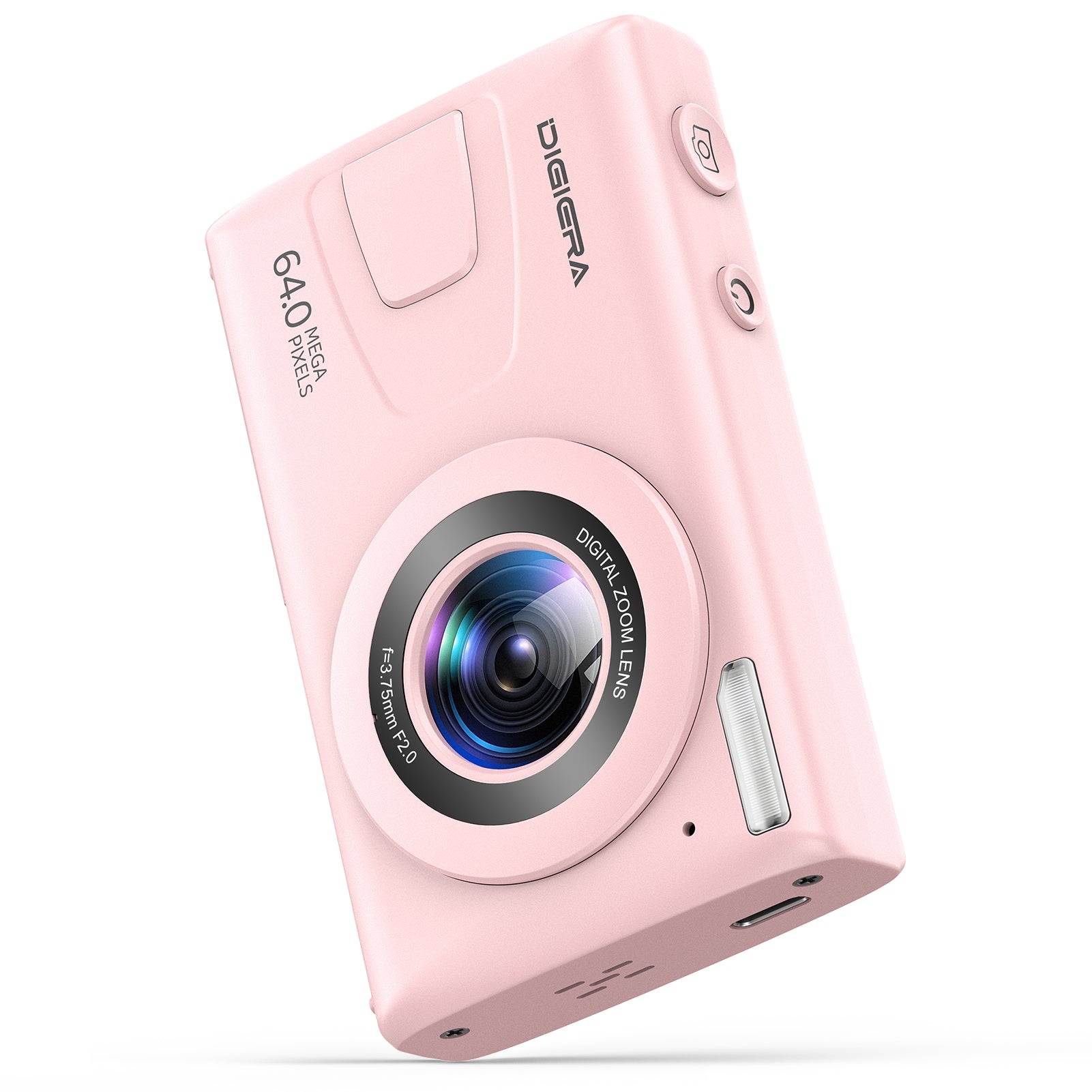
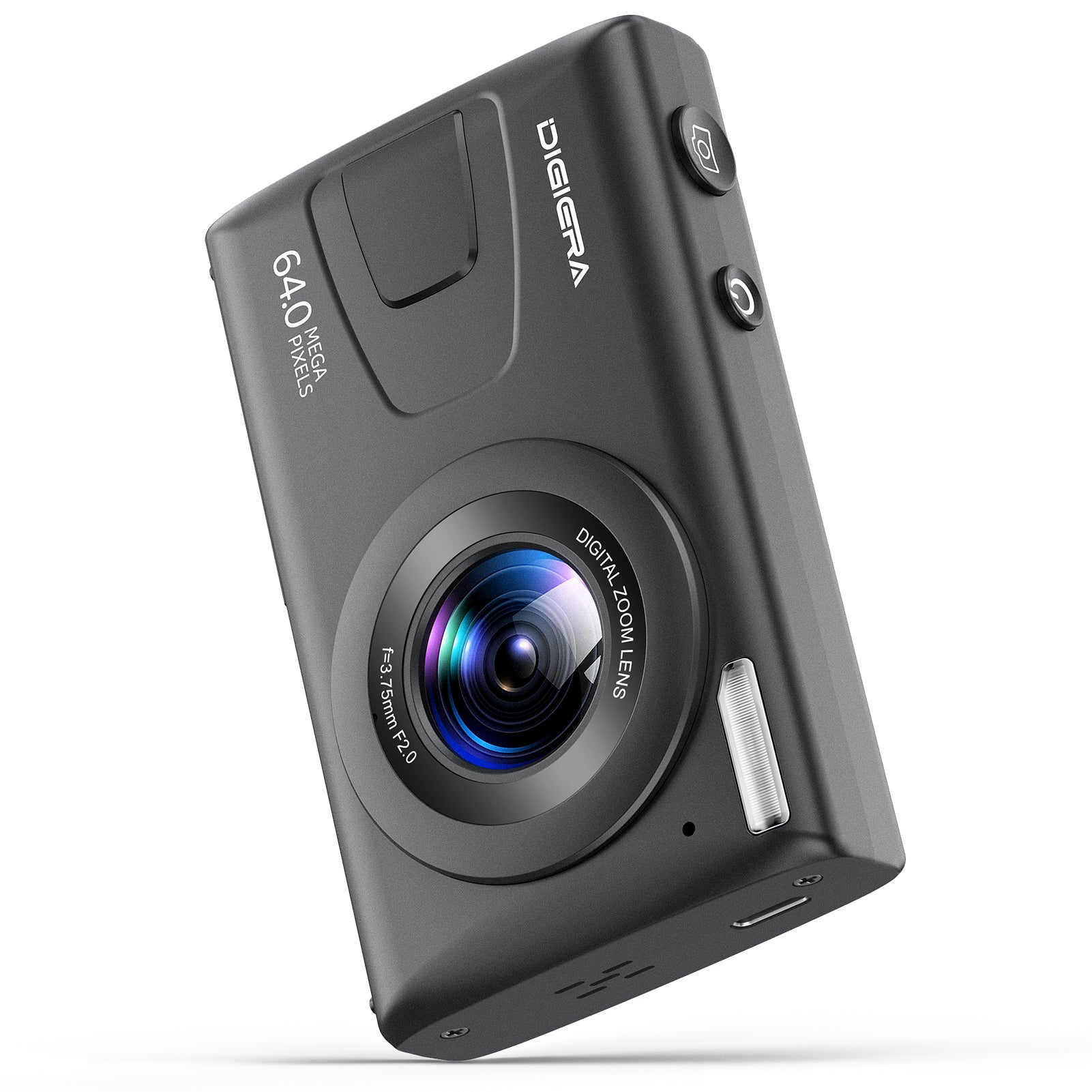
Digiera’s UHD 4K Digital Camera offers Type-C charging and USB transfer, allowing you to easily charge and transfer images on the go. Enjoy 70 minutes of continuous video recording, and fully charge the camera in just 90 minutes for quick, efficient use.
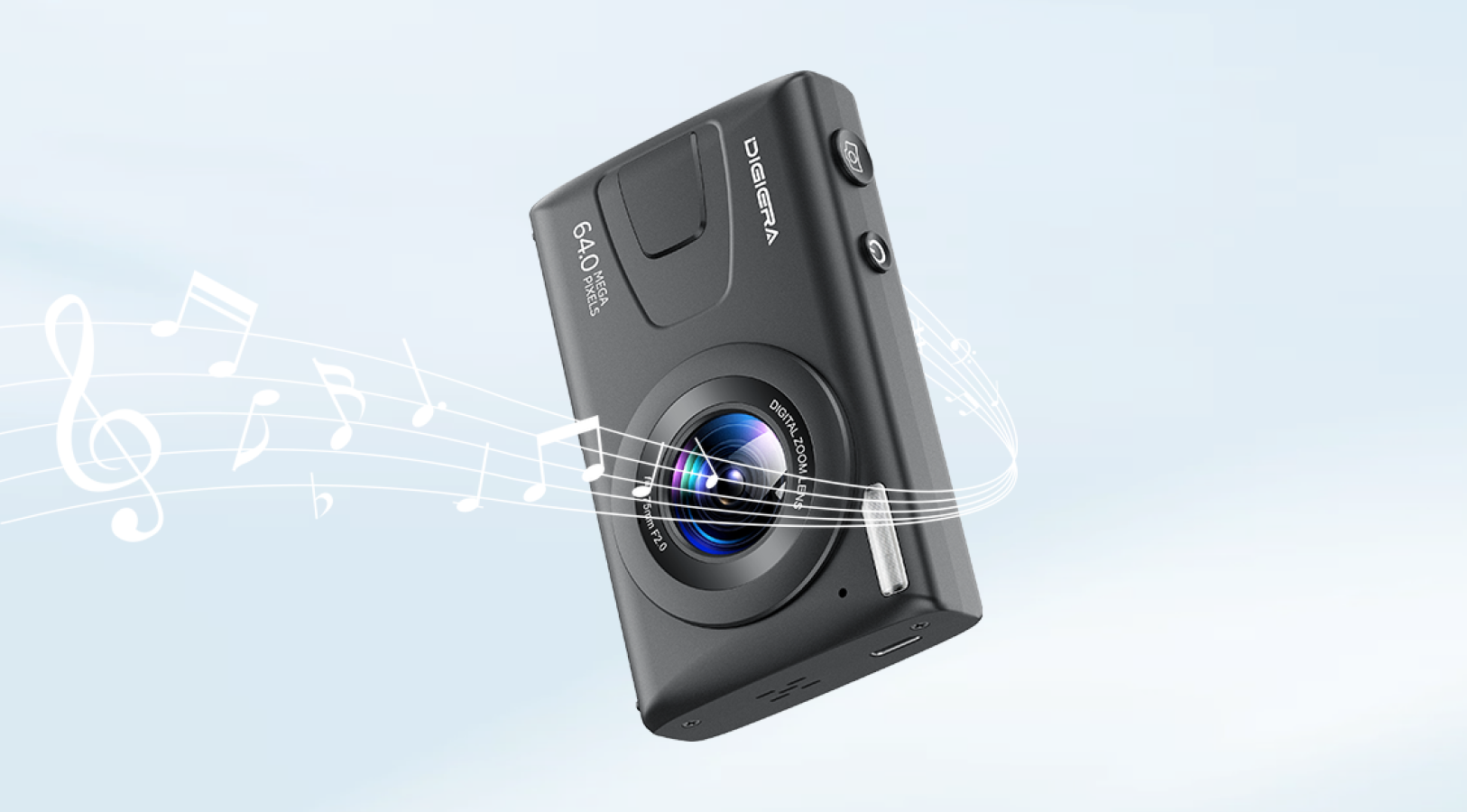
Support MP3/MP4 Functions
Digiera’s UHD 4K Digital Camera supports MP3/MP4 functions, allowing you to play music and videos directly from the device. Enjoy seamless audio and video playback while reviewing your footage or relaxing on the go.
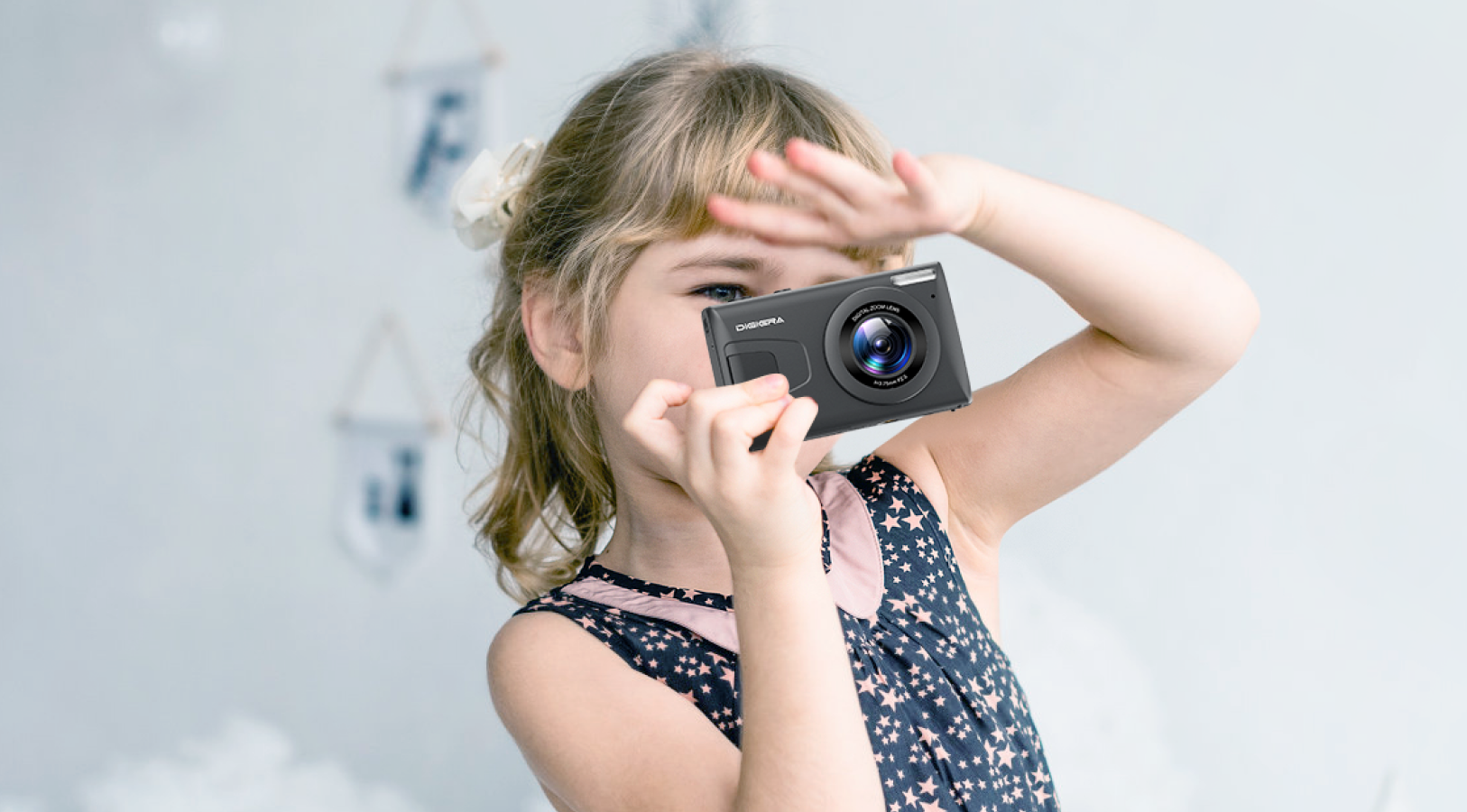
Little Photographer's First Step
Digiera’s UHD 4K Digital Camera is the perfect entry-level camera for beginners. Capture stunning 4K HD videos and 64MP photos with ease, making it an ideal first step into the world of photography and videography.
Frequently Asked Questions
Is 4K good for a digital camera?
Yes—4K UHD (3840×2160) delivers about 4× the resolution of 1080p for noticeably sharper, more detailed footage.
· Sharper detail for YouTube, vlogging, travel videos, and playback on 4K TVs/monitors.
· Flexible editing: crop, reframe, stabilize, or downsample to very clean 1080p with less aliasing/noise.
· Future-proof capture as 4K displays become standard. Tip: Use a fast U3/V30 (or faster) card and expose properly to see the benefits.
What is a 4K digital camera?
A 4K digital camera records video at Ultra High Definition—typically 3840×2160 (UHD) or 4096×2160 (DCI 4K).
· Higher pixel count preserves fine textures and small text.
· Better downsampling to high-quality 1080p deliverables.
· More editing latitude for reframing and digital stabilization.
What is the best 4K digital camera?
“Best” depends on budget and use case—evaluate these factors:
· Autofocus and stabilization (AF tracking, IBIS) for run-and-gun/vlogging.
· 1080p advantages: smaller files, lighter editing on modest computers, longer record times per card, faster uploads. Choose 4K if image quality and post-flexibility matter most; choose 1080p if you prioritize tiny files and a very simple workflow.
What are the disadvantages of 4K cameras?
· Larger files and faster media requirements; needs high-speed cards (U3/V30 or better) and more storage.
· Heavier editing load; may require proxies/optimized media on older computers.
· Shorter battery life and potential heat buildup in long recordings.
· Longer upload and backup times due to bigger files.
· Low-light isn’t automatically better; sensor, lens, and processing matter more. Mitigations: use efficient codecs, ample storage, spare batteries, good ventilation, and balanced record settings for your workflow.