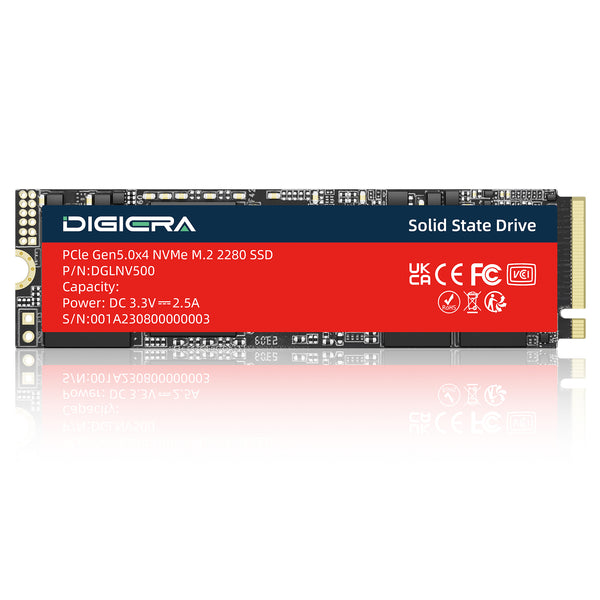
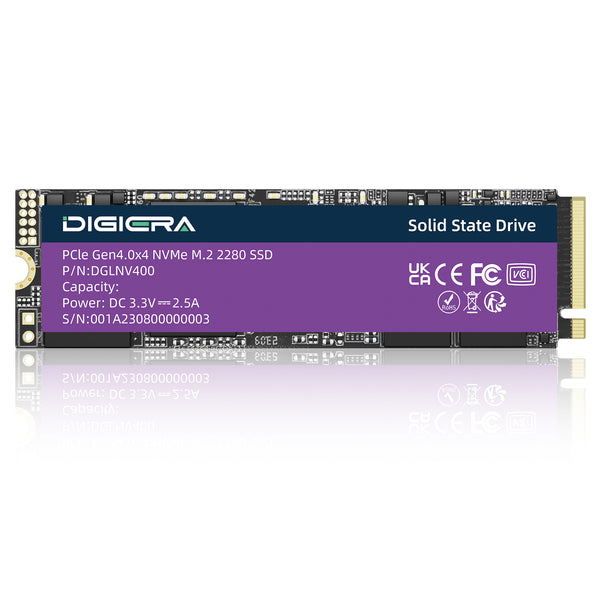
Every SSD has a small processor sitting between your computer and the NAND flash. That's the controller. It decides where each piece of data goes and spreads wear across the cells, and it fixes errors and cleans up old blocks too. So it shapes a drive's speed and lifespan about as much as the NAND itself.
Below, we go through what it does, how channels and DRAM change performance, and who makes the controllers you'll find in 2026.
What Is an SSD Controller?
Think of it as a tiny computer on a chip. Inside there are CPU cores and a host interface that talks to your PC over PCIe and NVMe. There's also a DRAM controller, a NAND interface and a dedicated error correction engine. High end PCIe 5.0 controllers are now made on 6nm chip processes, the same class used for phone chips.
The firmware that runs it is just as important. Every manufacturer develops its own firmware, keeps it under wraps, and optimizes it for a particular flash chip and product. A cheap SD card controller and a high end PCIe controller are completely different products, which is why two SSDs with identical NAND will operate differently from each other.
What Does an SSD Controller Do?
The controller handles five core jobs. Carnegie Mellon and ETH Zürich researchers describe each of them in detail, and here is the plain version.
1. Mapping Data with the Flash Translation Layer
NAND does not have an ability to rewrite the information within the same cell. So, every time you try to save a file, it goes to another page and the previous one is marked as invalid. Flash Translation Layer (FTL) is the mapping table between your computer’s address system and real memory cells.
2. Wear Leveling
NAND blocks have a fixed lifetime; every block has a finite limit of erase cycles. Wear leveling writes data on all blocks equally, thus no individual block is worn out before others. Good controller systems write constant data as well, such as photos from the past.
3. Garbage Collection and TRIM
NAND erases in whole blocks, not single pages. During garbage collection, the controller copies the valid pages out of a block and then erases it for reuse. TRIM helps by telling the drive which data you've deleted, so it doesn't waste time copying it.
4. Error Correction
Raw bit errors go up as NAND wears, and denser TLC and QLC cells make them more common. Modern controllers use LDPC codes, which can fix a lot of bad bits in each chunk of data. Once errors pass what the code can fix, data is lost, and that point sets the drive's real lifespan.
5. Bad Block Management and Power Loss Protection
When a block starts failing, the controller retires it and swaps in a spare from the hidden reserve area. Enterprise drives go one step further. They carry capacitors that hold enough power to finish pending writes if the power cuts out.
Channels and Parallel Access

A controller doesn't talk to the NAND over one path. It uses several channels, usually 4 on budget drives and 8 on high end ones, and each channel connects to a few NAND dies. The controller works on many dies at the same time, a bit like a store opening more checkout lanes.
This explains something buyers often notice. A 2TB or 4TB model usually writes faster than the 500GB model in the same product line, because it has more dies for the controller to spread work across. The small drive simply has fewer lanes open.
DRAM, HMB and DRAM Less Controllers
The FTL map has to live somewhere the controller can read it fast. On drives with DRAM, a small memory chip next to the controller holds it, usually about 1GB per 1TB of flash. Lookups stay quick even under heavy random work.
DRAM less NVMe drives use Host Memory Buffer (HMB) instead, borrowing a small slice of your PC's RAM over PCIe. That works well for everyday use. DRAM less SATA drives have no such option, so they tend to slow down the most when the workload gets heavy.

|
⚠ Which controller type fits your use?
Boot or office drive: a DRAM less NVMe drive with HMB is fine.
Game or creative drive: DRAM helps with large installs and big project files.
Server or NAS: pick DRAM plus power loss protection.
|
Major SSD Controller Makers in 2026
|
Maker
|
Notable controllers
|
Where you'll find them
|
|
Phison
|
E28 (PCIe 5.0), E31T (PCIe 5.0 DRAM less)
|
Many retail and OEM brands
|
|
Silicon Motion
|
SM2508 (PCIe 5.0, 8 channels)
|
Many retail and OEM brands
|
|
Samsung
|
Presto and other in house designs
|
Samsung SSDs only
|
|
SK Hynix and Solidigm
|
In house designs
|
Their own client and data center SSDs
|
|
SanDisk (formerly WD)
|
In house designs
|
WD Black and SanDisk SSDs
|
|
Maxio
|
MAP1602 (PCIe 4.0 DRAM less)
|
Budget NVMe drives
|
|
Marvell
|
Enterprise controllers
|
Data center SSDs
|
At the top end, Phison and Silicon Motion compete closely. StorageReview's first look at the Phison E28 measured up to 14,900 MB/s reads from a 6nm chip with three main cores and two helper cores. The SM2508 is also built on 6nm, with 8 channels and four Arm cores, and it uses about 3W, according to Silicon Motion's launch details.
Most drive brands, including Sabrent, Corsair and TeamGroup, buy these controllers rather than design their own. Digiera works the same way for its OEM SSD builds and you can contact us to get a quote.
How to Find Which Controller Your SSD Uses
Start with the spec sheet or a detailed review, since most reviews name the controller. Drive info tools on Windows and Linux can often read it too. You can also look at the marking printed on the chip itself, once the label is peeled back.
Keep in mind that some brands swap the controller or NAND without changing the model name. For consumers that means reviews of an early batch may not match what ships later. For OEM buyers it's a real risk, and detailed controller datasheets usually only come under NDA, so get the controller, firmware and NAND fixed in writing on the bill of materials.
Digiera builds SSDs with the controller and NAND stated up front, and you can request a quote on Digiera's SSD manufacturing page.
FAQs
Does the SSD controller affect performance?
Yes, a lot. It sets how many channels work in parallel, how fast data gets mapped and how well the drive holds up under heavy writes. Two SSDs with the same NAND can perform very differently because of the controller and its firmware.
Which SSD controller is best?
It depends on the drive's job. For PCIe 5.0 speed, the Phison E28 and Silicon Motion SM2508 lead in 2026. For budget drives, a good DRAM less controller with HMB is fine, and for servers you'll want DRAM plus power loss protection.
What is a DRAM less SSD controller?
It's a controller with no DRAM chip for the mapping table. NVMe versions borrow a little of your PC's RAM through Host Memory Buffer instead. They cost less and run cooler, but they can slow down more under heavy random writes.
Can an SSD controller fail?
Yes. It can be damaged by overheating, electrical surges or bugs in the software, and when this happens, the SSD stops appearing altogether. Some issues can be solved by updating the software, so if you encounter any problems with your SSD, look at the manufacturer’s site.
Can you recover data from an SSD with a dead controller?
Data recovery from a dead controller SSD is possible but difficult. The data on the SSD will be scrambled and remapped by the controller, making professional tools necessary for this and the recovery process often incomplete. Ensure that the drive is powered off and make backups due to the possibility of deletion of the data by TRIM.
How many channels does an SSD controller have?
Most consumer controllers have 4 or 8 channels. Budget and DRAM less designs usually use 4, while high end PCIe 4.0 and 5.0 controllers use 8. Enterprise controllers can have 16 or more for large data center drives.
Who makes Samsung's SSD controllers?
Samsung designs its own. Its drives use in house controllers such as Presto, paired with Samsung NAND and firmware. That full control is one reason Samsung drives behave consistently across batches.
Is the controller more important than the NAND?
Both matter, but the controller often makes the bigger difference you'll notice. NAND sets the raw endurance and speed limits. The controller and firmware decide how close the drive gets to those limits and how well it handles wear over time.